ULL video delivery
Configure video transport with a focus on reducing delivery latency.
Product overview
Ultra-low-latency video transport from the field to the display.
WNDR CODEC connects transmission, reception and monitoring around ULL video delivery. Review stream and device settings in the web interface for the installation.
Configure video transport with a focus on reducing delivery latency.
Review camera, stream and network settings for the sending and receiving environment.
Connect video to remote monitoring and external systems.
Remote operation, field monitoring and external video systems
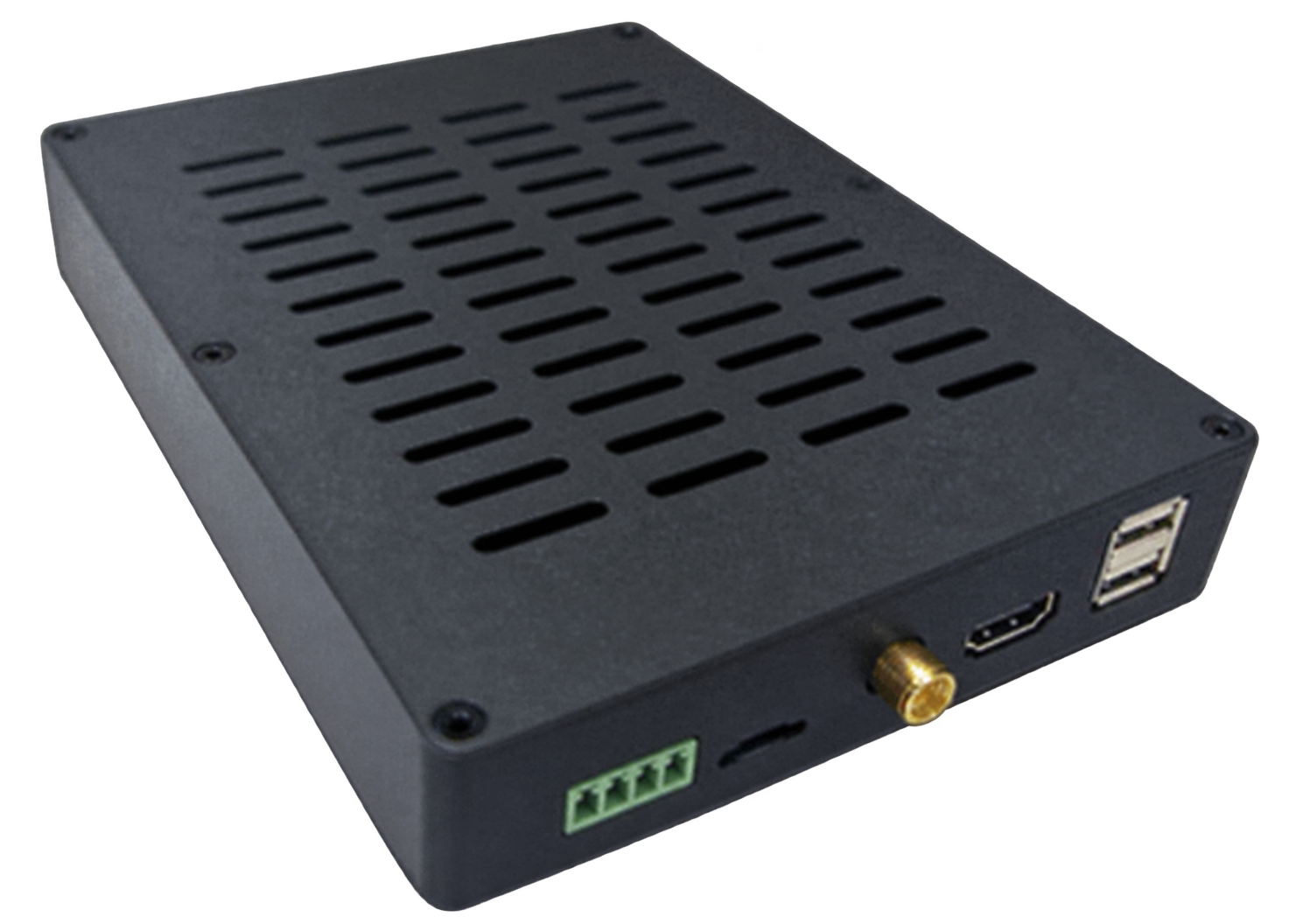
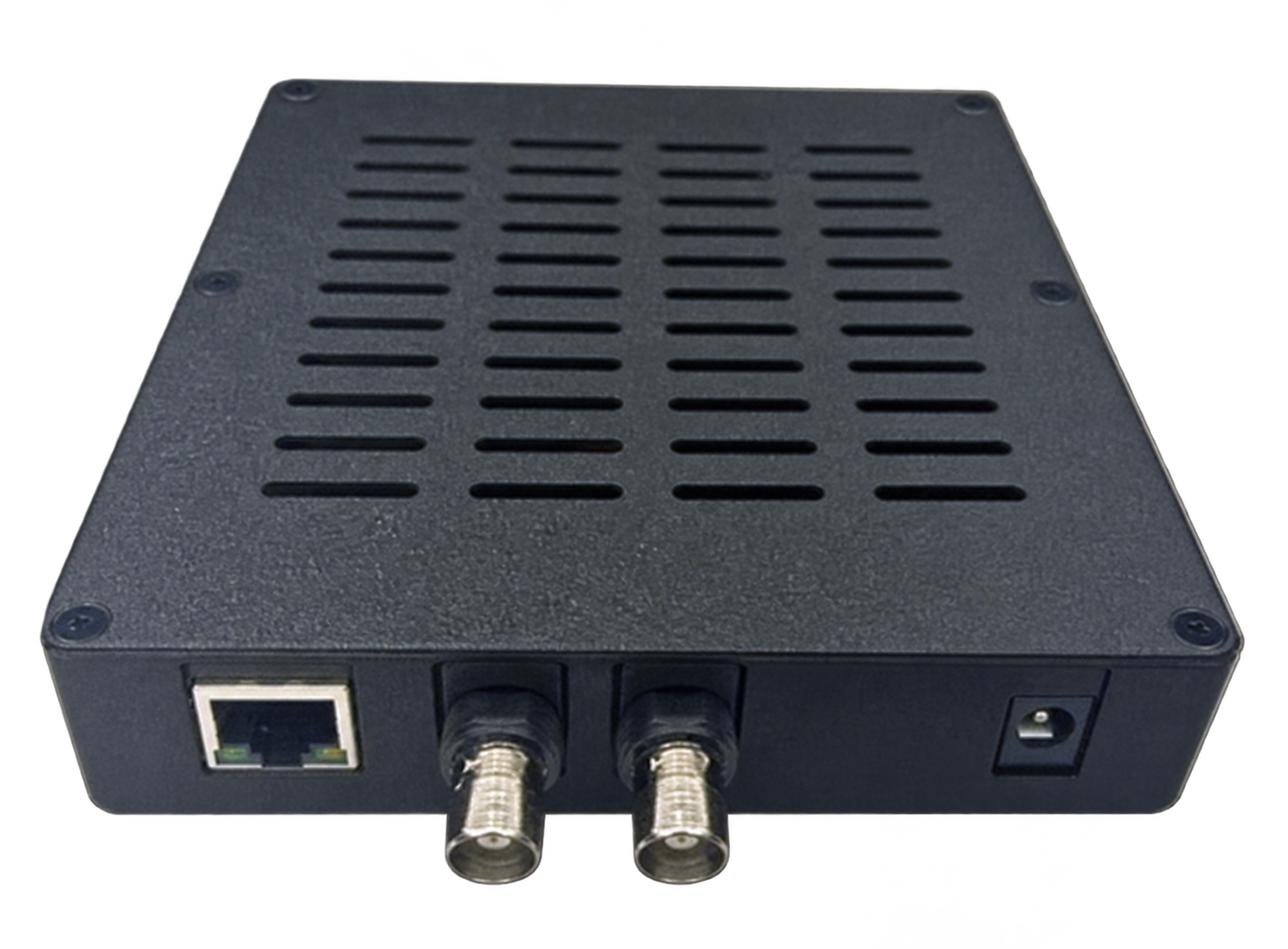
Latency and quality depend on the source, network, receiver and display configuration. No fixed latency is guaranteed. Features and screens depend on product configuration, connected devices and installed software.
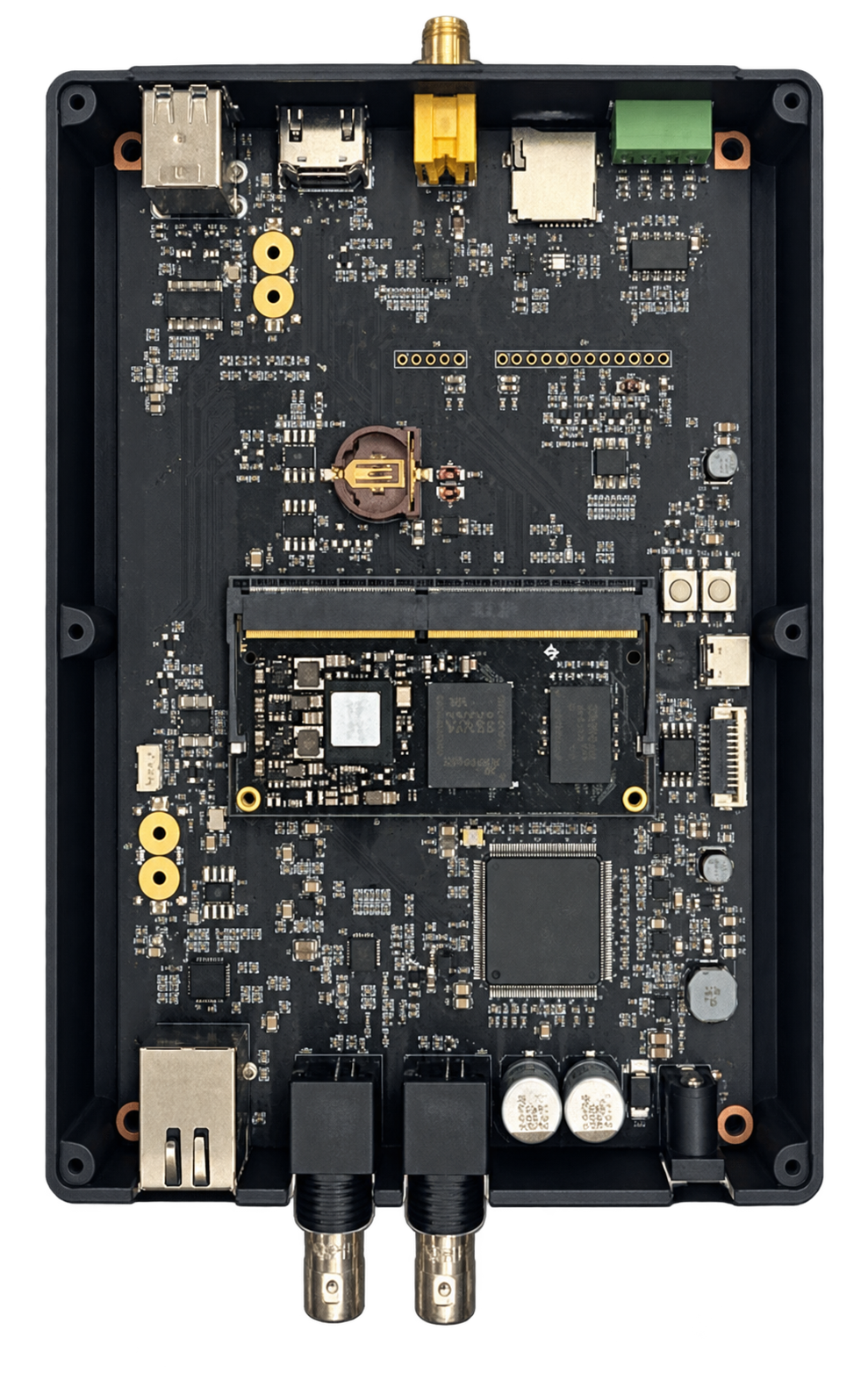
The internal system board used in the ultra-low-latency video transmitter / receiver hardware. The photograph shows the board’s component and connection layout.
Edited from the board photograph in the supplied materials.
Cameras and transmitters send video from the site.
Use wired, Wi-Fi or mobile connections suited to the location.
View the video through receivers and displays.
An example arrangement of transmitters, receivers and network connections for the intended environment.
There is a delay between activity captured by a camera and its appearance on a monitoring display. ULL (Ultra Low Latency) focuses on shortening that delay while using the available network capacity efficiently.
WNDRCodec ULL is a video delivery product concept connecting cameras, transmitters, receivers, networks and displays. It delivers site video for remote monitoring and video-assisted operation.
Actual bandwidth use and total latency depend on video settings, network conditions and the display. Transmitters, receivers, network connections and required functions are assessed for the intended environment. These examples do not guarantee identical performance or standard features in every installation.